
Practical Guides for Parents
How to Choose an Age-Appropriate AI Learning Tool for Your Child
हिंदी में पढ़ेंChoose an AI learning tool by checking age permission, privacy, educational value, reliability and available oversight. Popularity, a colourful design or a paid plan does not prove suitability. Start with a small adult-reviewed activity and stop if the tool cannot meet the family's needs safely.
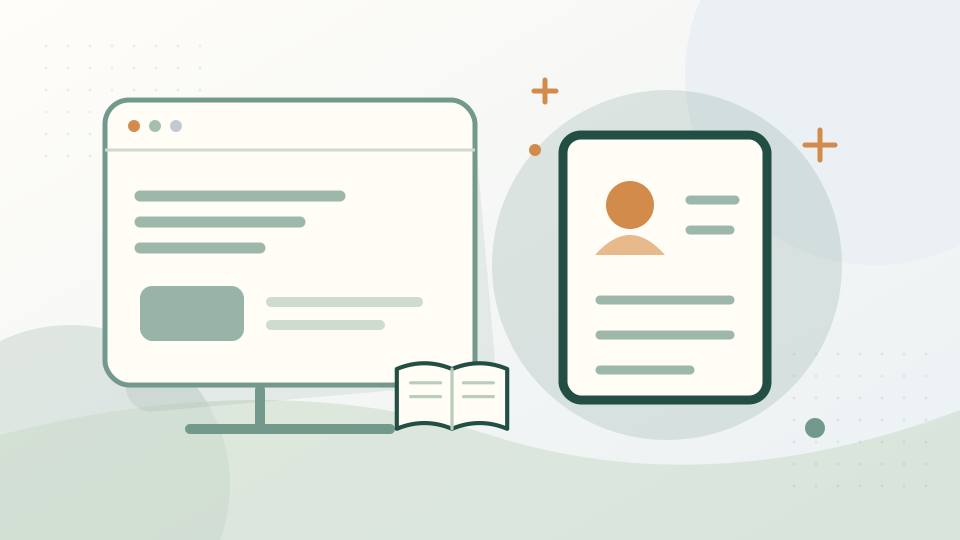
A parent compares two reading apps. One asks for a child's photo and unrestricted contacts without a clear reason. Another can demonstrate a fictional reading exercise with limited permissions. The parent still checks age rules, content and data policy before deciding; fewer permissions alone are not a full safety assessment.
Is the intended use actually allowed?
Read the current terms for the product and feature. For example, OpenAI says ChatGPT is not meant for under-13s, educational interactions involving under-13s must be conducted by an adult, and 13–18-year-old users require parental consent. Do not apply that rule to every other service. AI-S03: Read the source
Consider whether the child can recognise uncertainty and seek help. Legal or provider eligibility does not automatically mean independent use is wise for a particular child.
Does it protect information appropriately?
Look for clear explanations of collection, retention, human review, training, sharing and deletion. Check permissions and whether the task can use fictional details. Avoid uploading identity documents or real pupil records just to test a product.
Review parental or institutional controls, account recovery and reporting options. Ask what happens if unsafe content appears. A safety label or filter cannot guarantee that no harmful reply will occur.
Does it genuinely support learning?
Try one topic you understand. Does the tool explain, invite an attempt and allow different levels, or mainly supply final answers? Check a few facts and calculations against reliable material.
UNESCO's guidance emphasises human-centred, age-appropriate educational use and evaluating suitability. It does not endorse every product marketed for schools. Ask the teacher whether the proposed activity fits the learning goal. AI-S09: Read the source
What practical details should we compare?
Check language quality, accessibility, device needs, internet use and how easily an adult can review the activity. Read pricing, renewal and usage limits; free features and subscriptions can change.
Ask whether there is a reasonable offline alternative and whether a child would be excluded without a paid account. Avoid buying because of claims that the product guarantees marks or future success.
Keep a short trial record: activity, benefit, errors, permissions and concerns. Reassess after major updates. The right decision can be to use a tool for one supervised task, delay independent access or not use AI at all. The child's learning and wellbeing come before the app.
Where can you check the details?
What can you read next?
Want to check the sources?
These notes explain what was checked for the article. The date is an information check, not a publication date.
- AI-S03: Is ChatGPT safe for all ages?
OpenAI
Where to look: Age requirements and classroom precautions
How it was checked: Official text retrieved
Under 13 is not an independent-user recommendation. Educational interaction for under-13s must be conducted by an adult. Other services have separate rules.
- AI-S09: Guidance for generative AI in education and research
UNESCO
Where to look: Human-centred, age-appropriate educational use
How it was checked: Official text retrieved
Publication page inspected. Recommendations are not BALHANS policy or an Indian legal permission to create accounts.
Next planned check: